
One page per book
Copies of the same book from different sources are gathered on one page. Pick the copy you want to read.
YUEDU READER
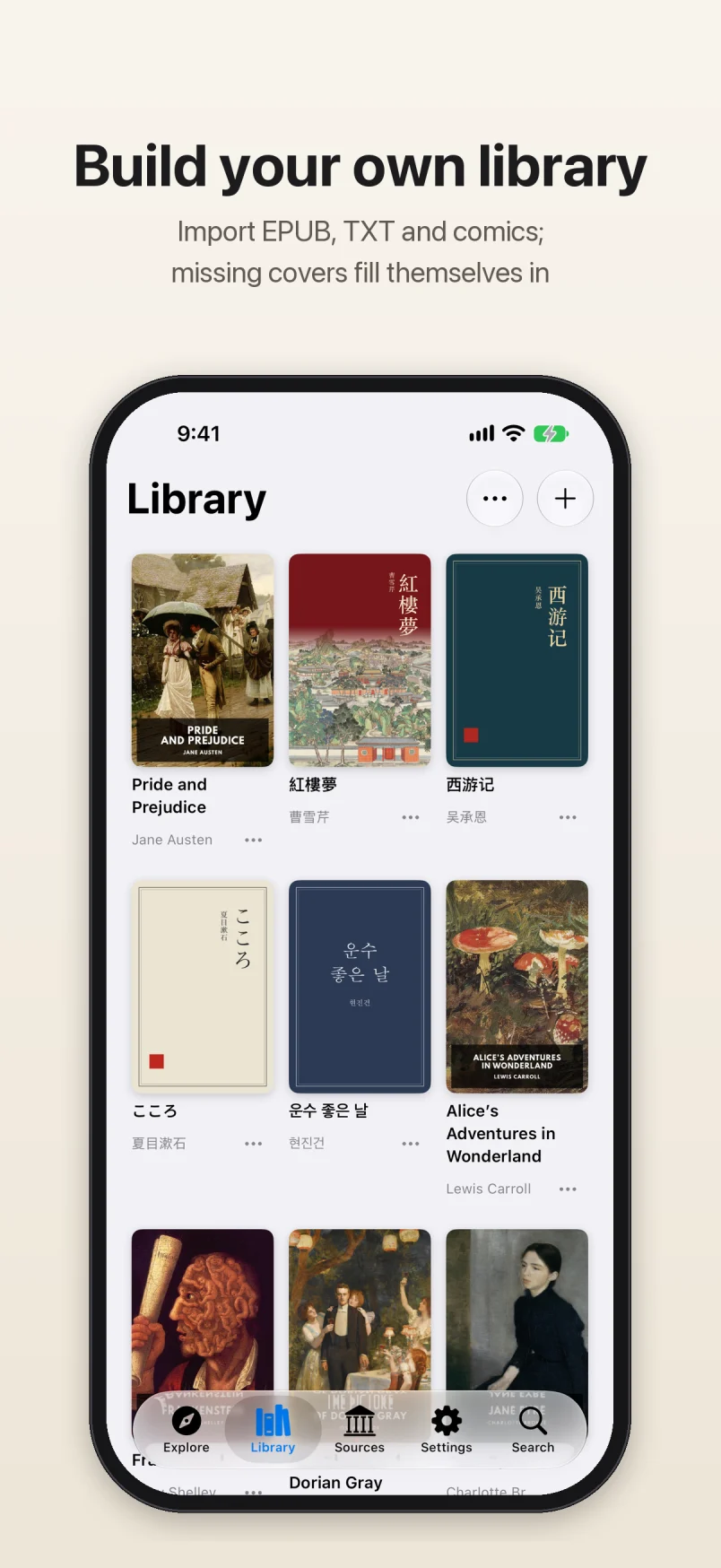
Add your own book sources. Yuedu turns them into one cover-wall library you can browse, search and read on iOS.
EPUB · PDF · TXT · RSS
HOW IT WORKS
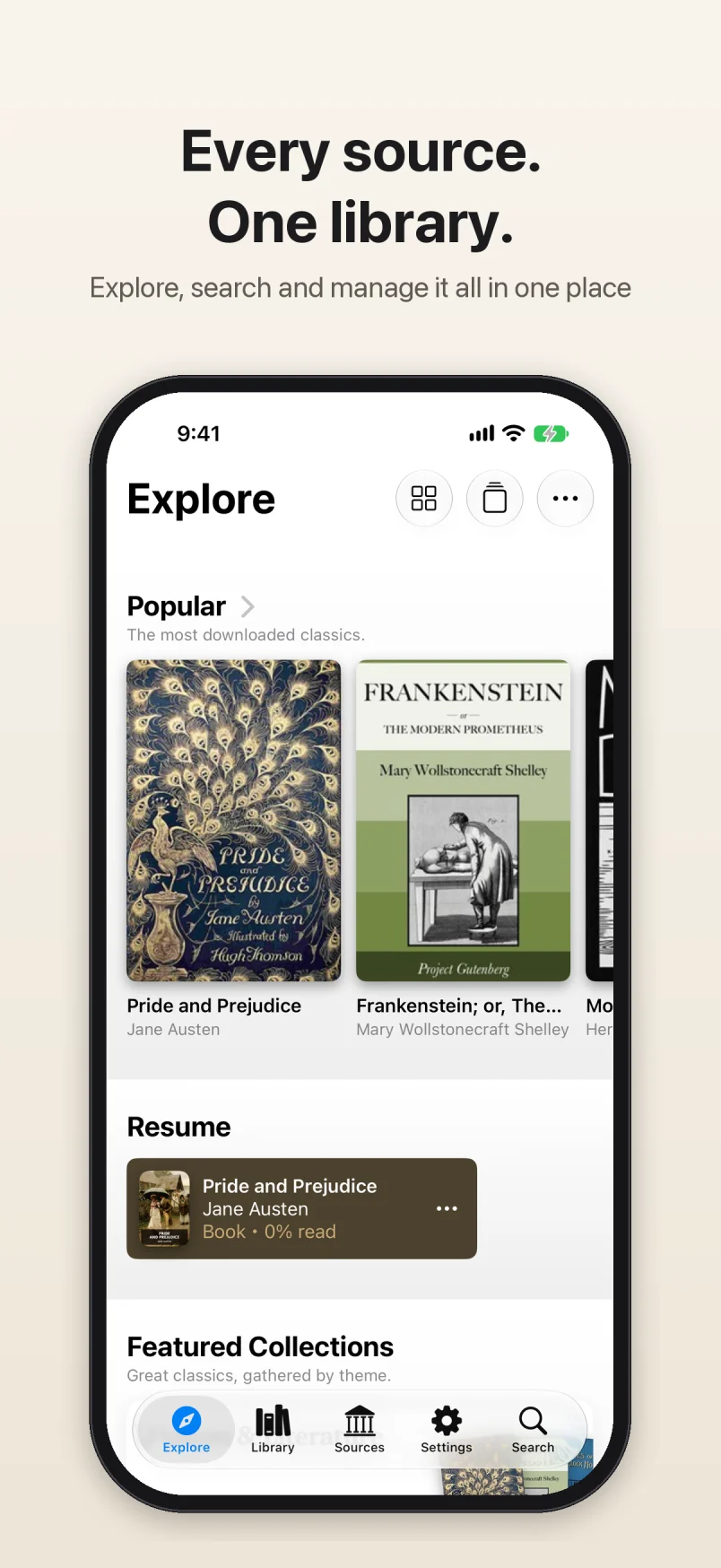
Project Gutenberg and Aozora Bunko are built in. Any other source is one you add yourself and are allowed to use.
Connect an OPDS catalog or a WebDAV folder, subscribe to RSS, or import local files.
Your home shows what you are reading and what is new, as covers.
One search covers your shelf and every source you have added.
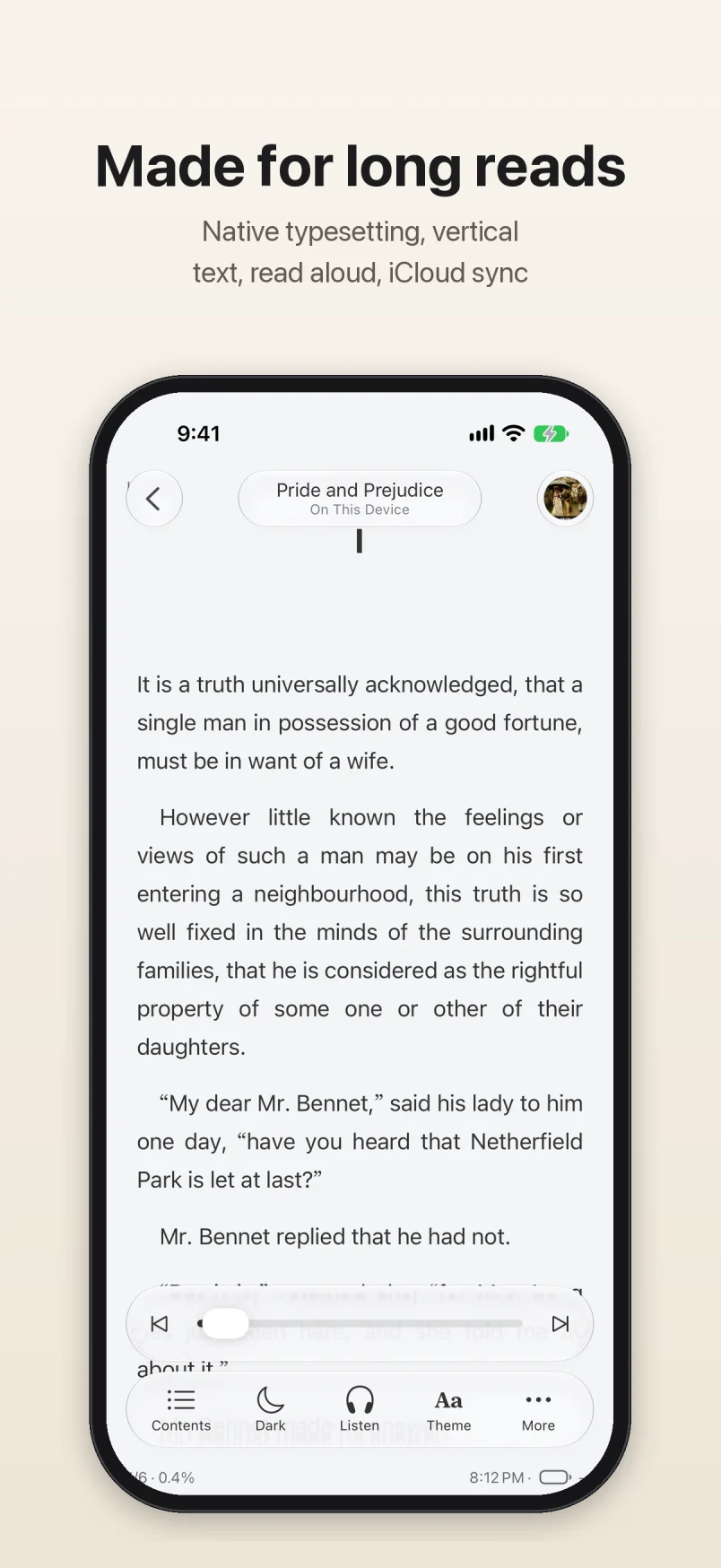
Open any book in the same reader, set up the way you like.
ONE LIBRARY
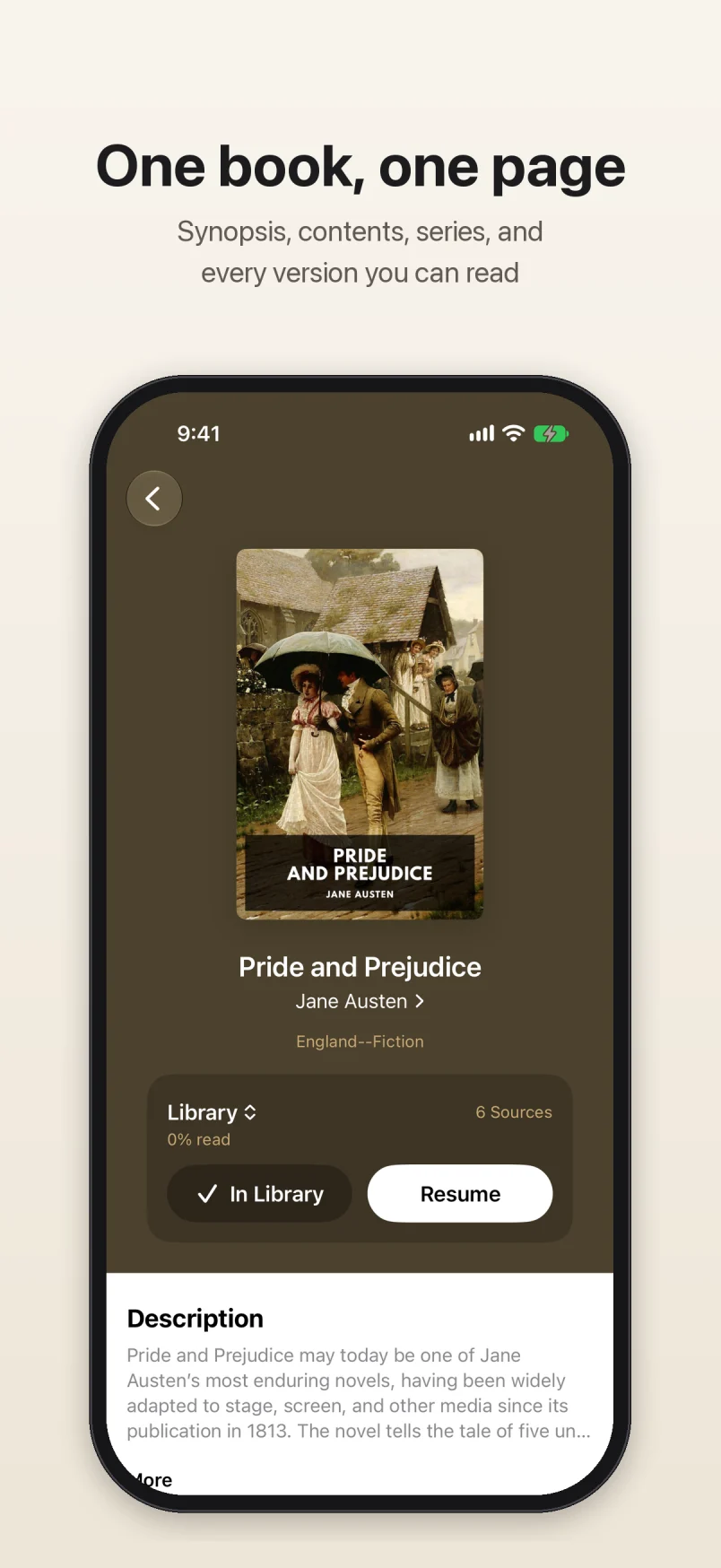
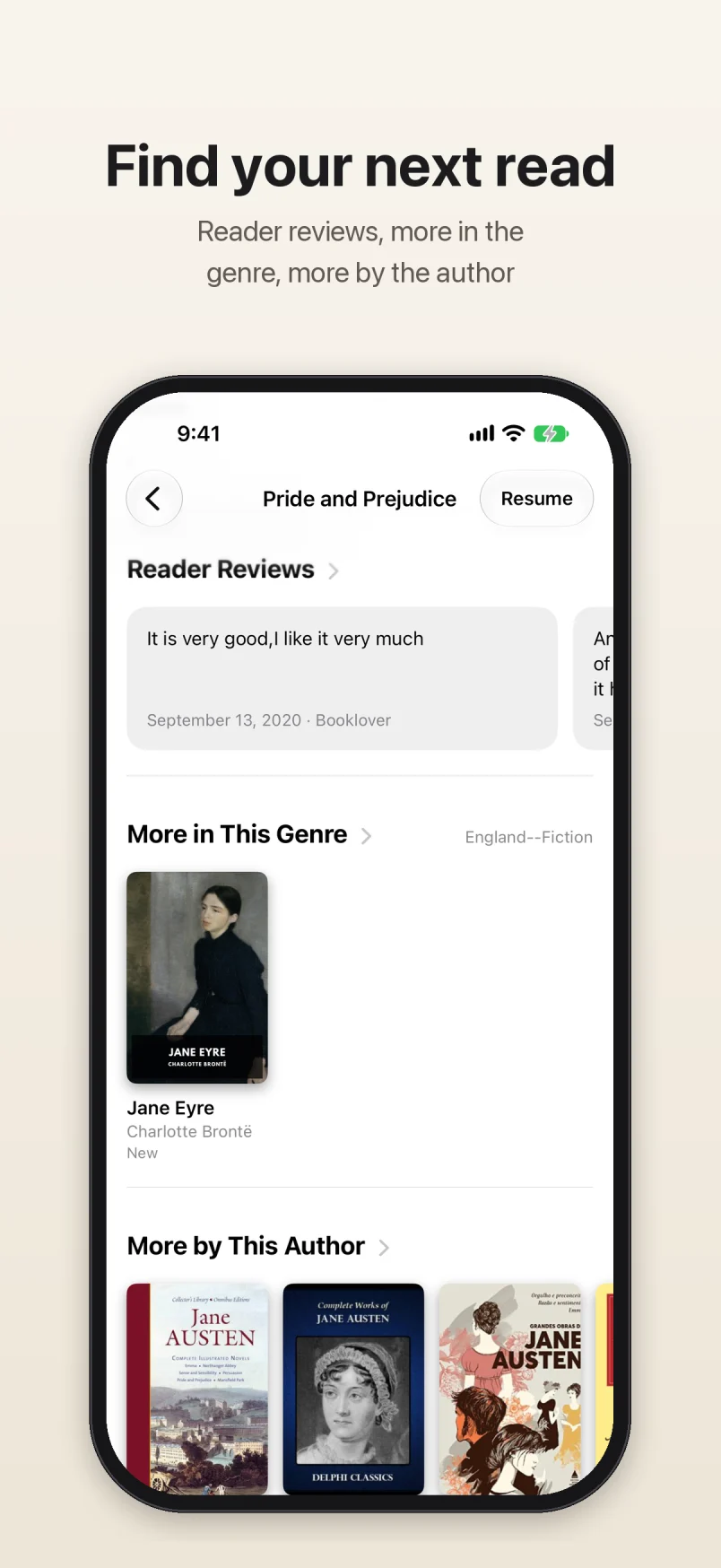
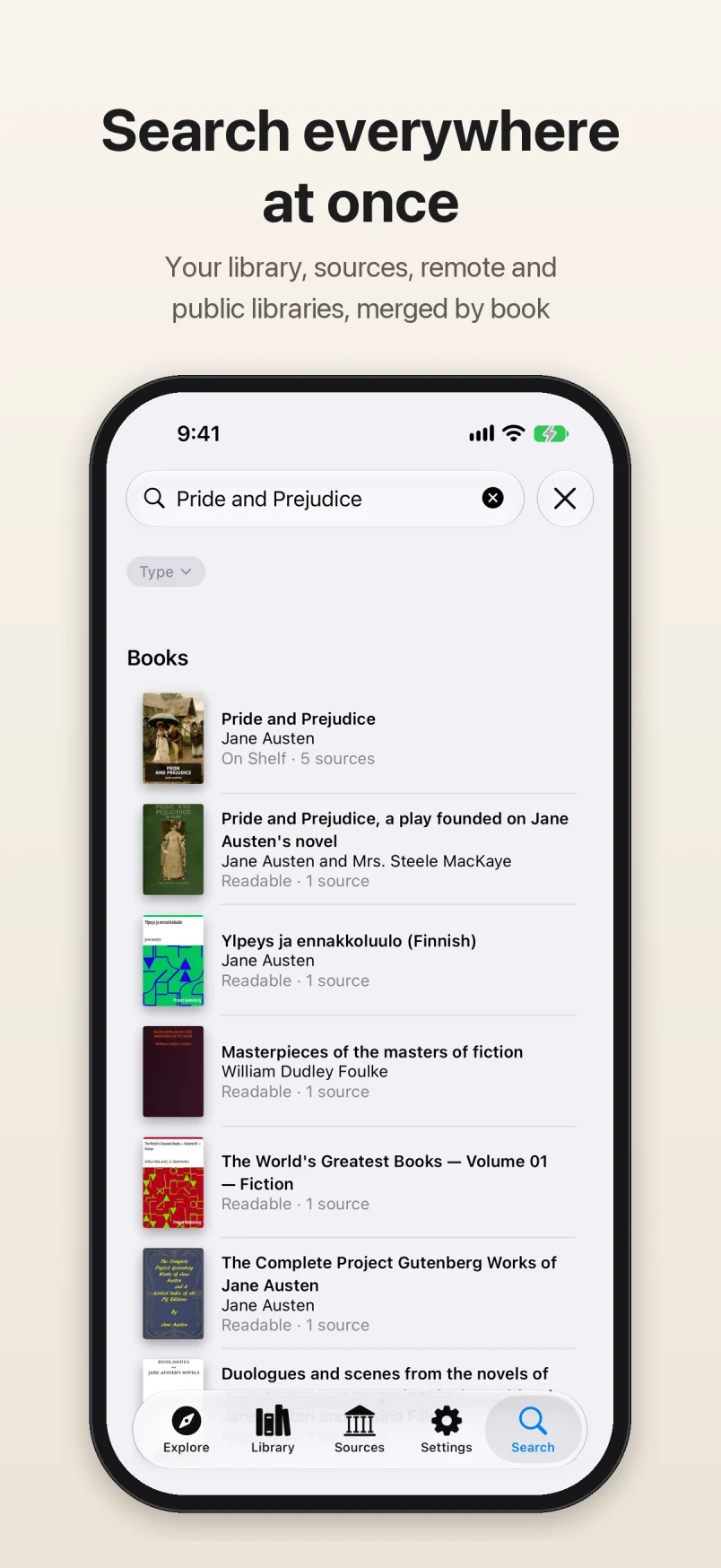
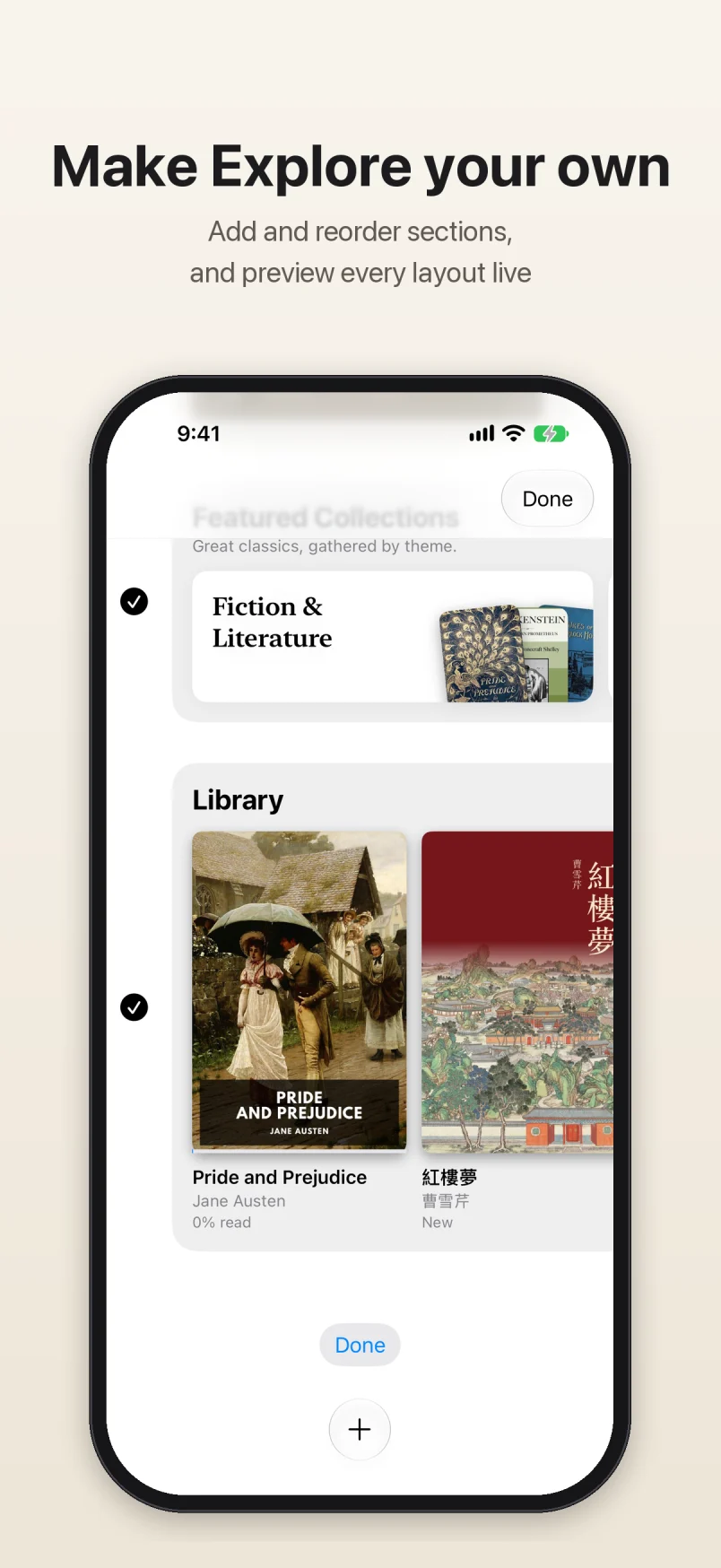
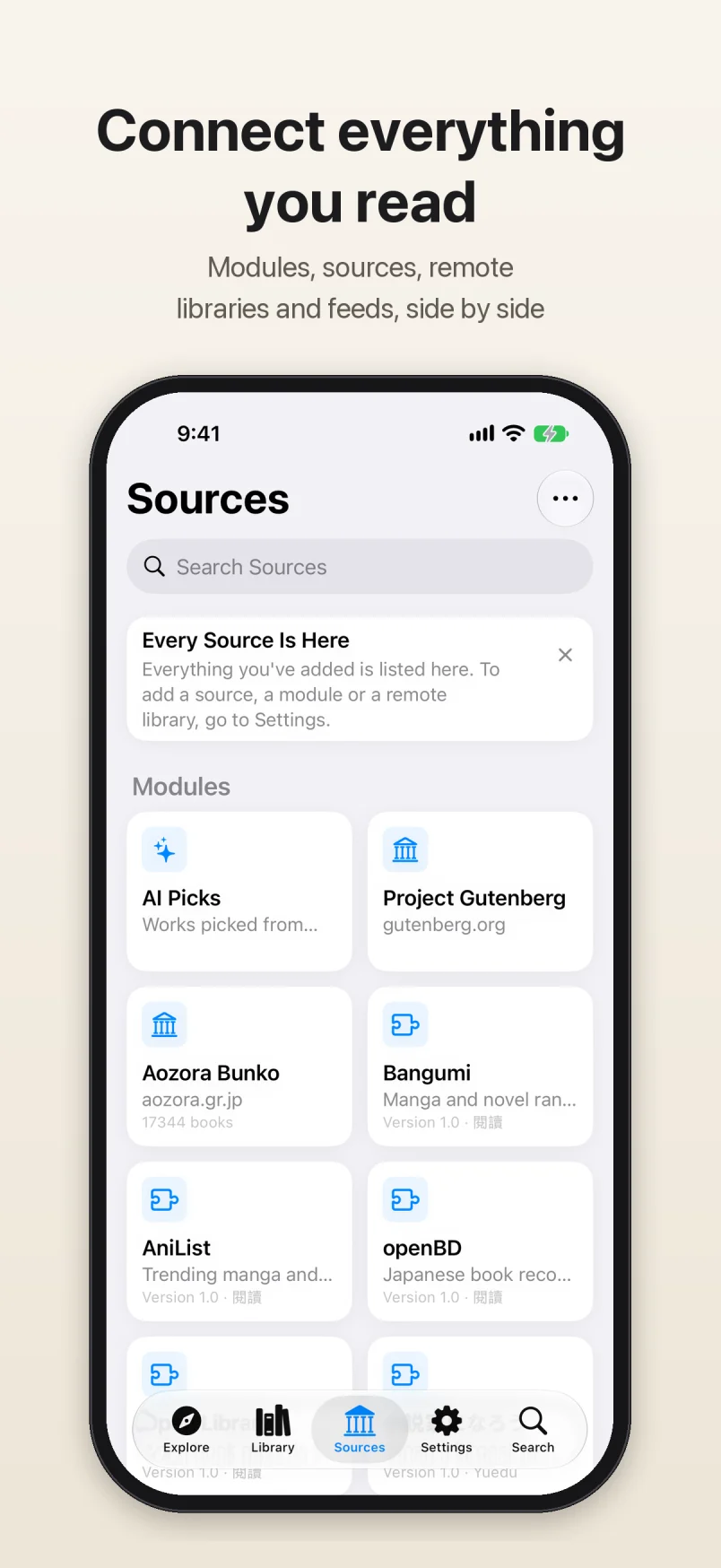
Copies of the same book from different sources are gathered on one page. Pick the copy you want to read.
Found a title you want? Ask your other sources whether they have it.
Choose how your home looks: large cards, a single shelf row, a cover grid, or a detailed list.
Browse Project Gutenberg and Aozora Bunko. For You ranks suggestions on your device, and optional AI picks use your own key.
01 / READING
Explore real examples of horizontal and vertical reading.
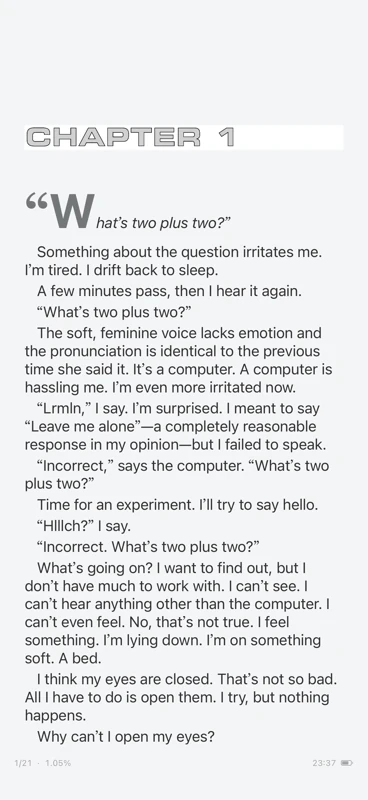
Horizontal page · Detail English
Open full screenshot
Vertical page · Detail 繁體中文
Open full screenshotHorizontal or CJK vertical. Page turns or scrolling. Bookmarks, highlights, and notes to keep your place.
EPUB · PDF · TXT · Markdown
02 / LIBRARY
Your reading starts with the books you already have.
03 / MORE TO READ
A place for your comic library.
For your CBZ and ZIP archives.
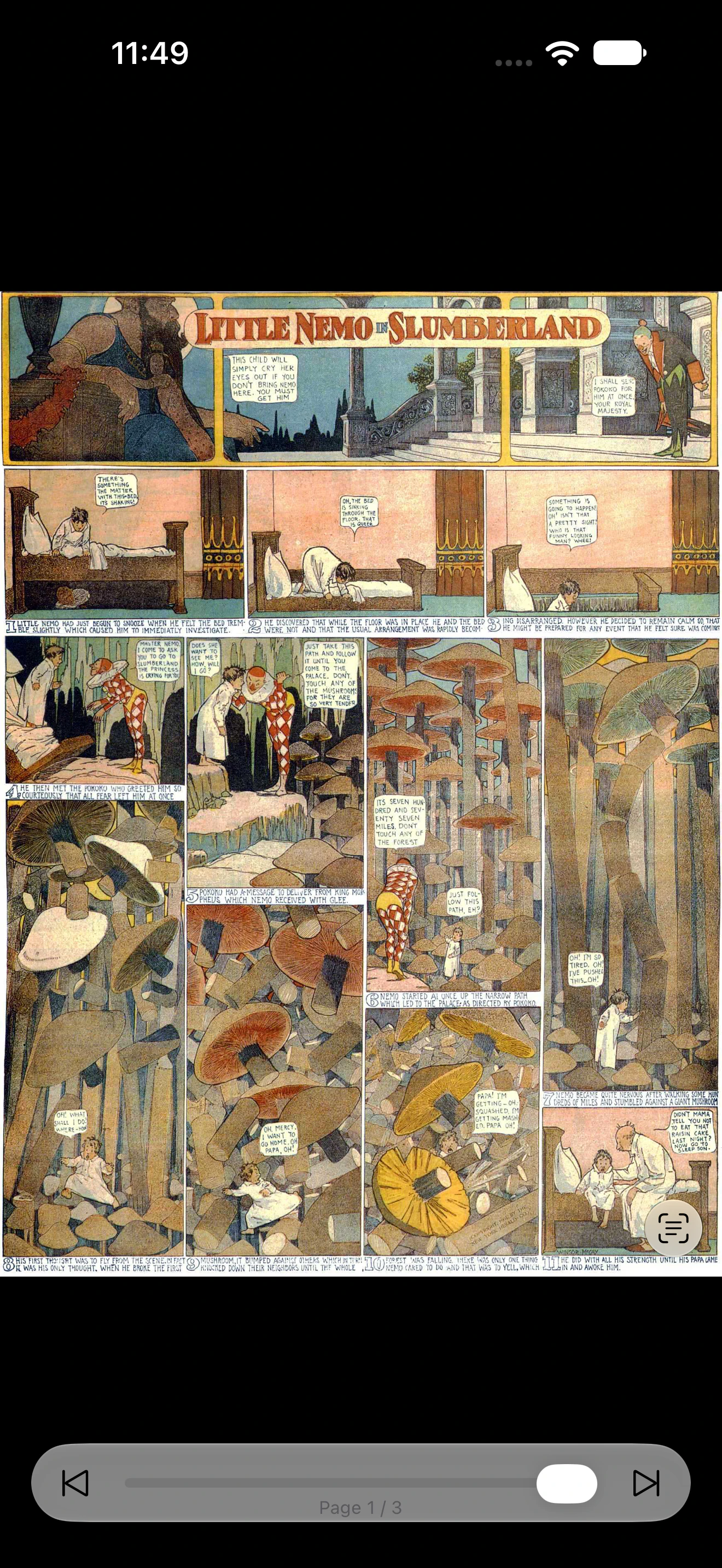
Read a page the way it was drawn. English
Open full screenshotScanned books, in the same reader.
Page through them like any other book.

Scanned books open in the same reader. 日本語
Open full screenshot04 / A FEW THINGS TO KNOW
Yes. The AI reading assistant, paragraph notes, and some customization features require an in-app purchase.
Prices depend on your App Store country or region, and the app shows the current price before you pay.
Visit Support for guidance and contact information.
Yes. You can explore the source on GitHub.
Some features in the official app are unlocked through in-app purchases.
THE NEXT CHAPTER
Discover Yuedu on the App Store.
Download on the App Store